As of January 1, 2026, customers can now provide explicit approval for Sendbird Technical Support to access their organization’s Dashboard. This guide shows you how to enable timed access for Technical Support team members when they need to access your Dashboard for troubleshooting.
Enabling Support Access
In order to enable Support Access in the Sendbird Dashboard, you must have an account that has one of the following roles or permissions:
-
The OWNER system role
-
The ADMIN system role
-
In a custom role with the Organization → Security → ALL permission
- To begin, in the Sendbird Dashboard, navigate to your Organization Settings in the top-right of the Dashboard.

- Click on Access Control on the left-hand side of the Dashboard under Organization settings.
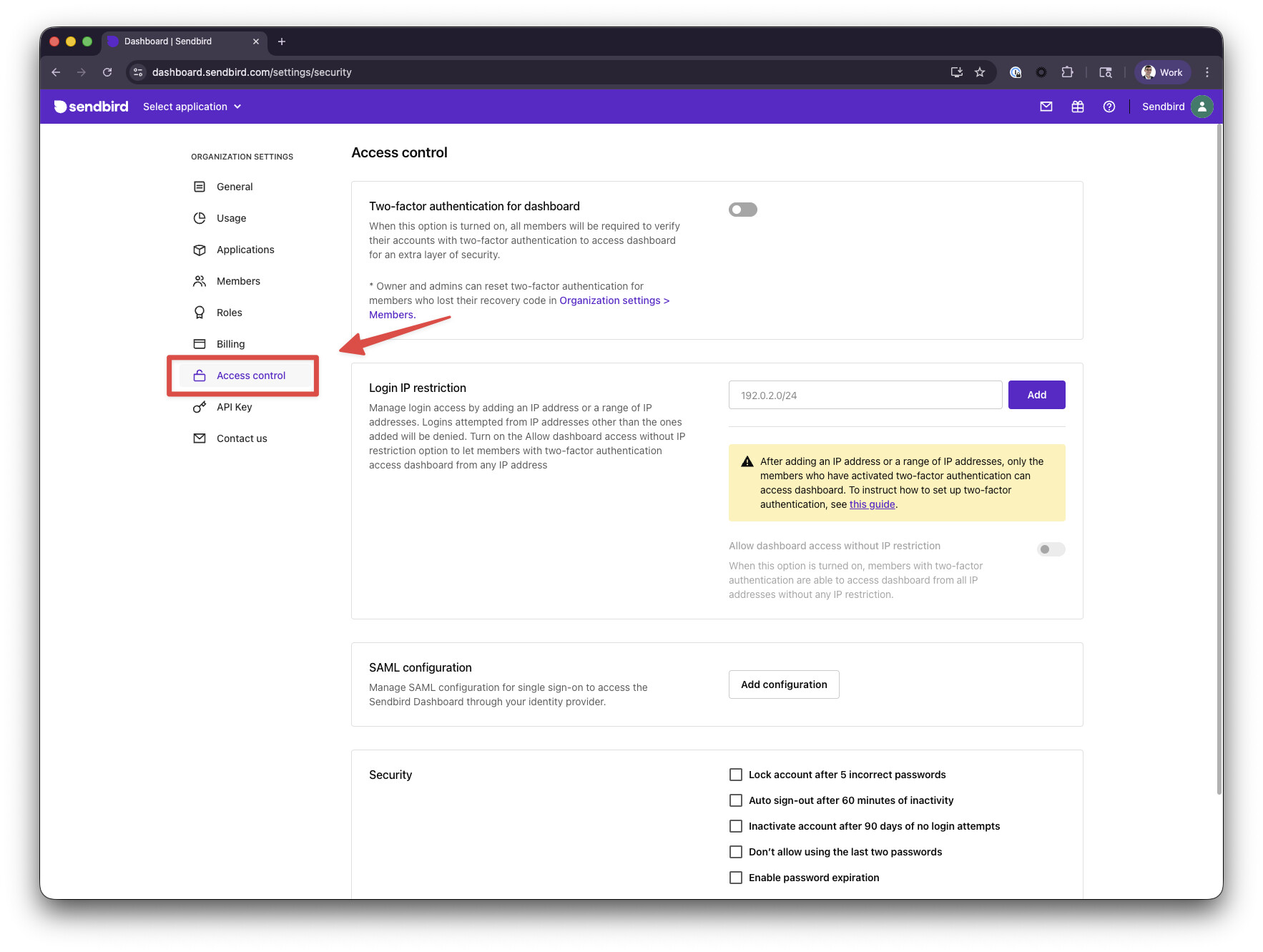
- Scroll to the bottom of the Access Control settings and find the Support Access section.
- Enable the switch next to Support Access.
- Select the desired amount of time you would like to allow the Technical Support team to access your Dashboard.

- Click the Save button.
